How to Play Minesweeper: Rules, Patterns and Tips
Minesweeper has been on computers for more than 30 years, and it still confuses new players: you click a square, a bunch of numbers appear, and then what? The good news is that Minesweeper is almost entirely a logic game. Once you know how to play Minesweeper properly and learn a few patterns, you can clear most boards without ever guessing. This guide covers the rules, the controls and the tips that make the biggest difference.
The goal of Minesweeper
The board is a grid of covered squares. Some of them hide mines. Your goal is to uncover every square that does not contain a mine. You do not have to find or flag the mines themselves – opening all the safe squares is enough to win. Click a mine, and the game is over.
How to play Minesweeper: the basic rules
- Click any square to start. In most versions – including our Minesweeper online – the first click is always safe and usually opens a whole area.
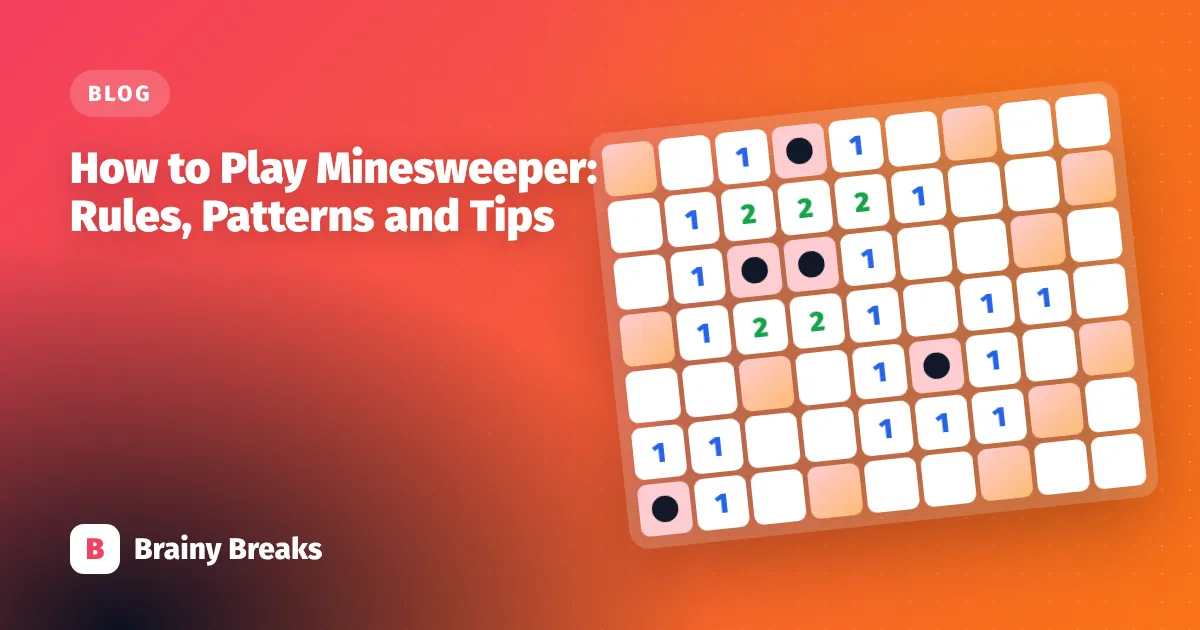
- Read the numbers. A number tells you how many mines touch that square, counting all eight neighbours: left, right, up, down and the four diagonals.
- Empty squares open automatically. A square with no number has no mines around it, so the game opens its neighbours for you.
- Use logic to find safe squares. Compare the numbers with the covered squares around them to work out where the mines must be – and where they cannot be.
- Open every safe square to win.
What the numbers mean
Think of each number as a small puzzle. A 1 touching exactly one covered square means that square is a mine. A 3 in a corner with exactly three covered neighbours means all three are mines. When a number already has as many flagged mines around it as its value, all its other covered neighbours are safe. Almost every move in Minesweeper comes down to these two ideas.
Flags and chording
- Flag: right-click a square (or long-press on a phone) to mark it as a mine. Flags stop you from clicking that square by accident.
- Flag mode: on touch screens you can switch on Flag mode so a normal tap places a flag.
- Chording: click an opened number that already has the right number of flags around it, and all its remaining neighbours open at once. This is the fastest way to clear safe squares.
Patterns every player should know
The 1-1 pattern
Along a straight edge, if you see two 1s next to each other and the first 1 is at the end of the edge, the square beyond the second 1 is safe. The mine shared by both 1s must be in the first two squares.
The 1-2 pattern
When a 1 sits next to a 2 along a wall of covered squares, the square on the far side of the 2 (the one the 1 cannot see) must be a mine. This pattern appears in almost every game.
The 1-2-1 pattern
Three numbers in a row – 1, 2, 1 – along a flat edge: the mines are under the two 1s, and the square under the 2 is safe.
The 1-2-2-1 pattern
Four numbers in a row – 1, 2, 2, 1: the mines are under the two 2s, and the squares under the 1s are safe.
Minesweeper tips and tricks
- Start in the middle. A first click in the centre usually opens a bigger area than one in a corner.
- Work the edges of open areas. That is where the numbers give you the most information.
- Look for “satisfied” numbers. A number with all its mines flagged means every other neighbour is safe.
- Count the remaining mines. Near the end, the mine counter can tell you which of two options is right.
- Only guess when you must. If you really have to guess, pick a square that would open the most information.
- Speed comes later. First learn to play without mistakes, then use chording to get faster times.
How to play Google Minesweeper vs our version
If you have played the Minesweeper game that appears in Google search, our version will feel familiar: the same numbers, flags and safe first click. The difference is that ours offers three board sizes – Easy (9×9, 10 mines), Medium (12×12, 24 mines) and Hard (16×16, 40 mines) – saves your best time for each, and works the same on phones and computers.
Play Minesweeper game online
The fastest way to learn the patterns above is to spot them in real games. Open our free Minesweeper game online, start on Easy and move up when you can clear the board without hitting a mine. Prefer a quick two-player game? Try Tic Tac Toe or Connect 4, or train your logic with sudoku.